
What he says has direct effects on your SEO (search engine optimisation). This blog goes through the key points. It explains what matters for your website's visibility, and if you want help to fix Google crawl limits and Googlebot crawl problems on your own site, see our technical SEO services in India. For a short definition, see technical SEO in our glossary.
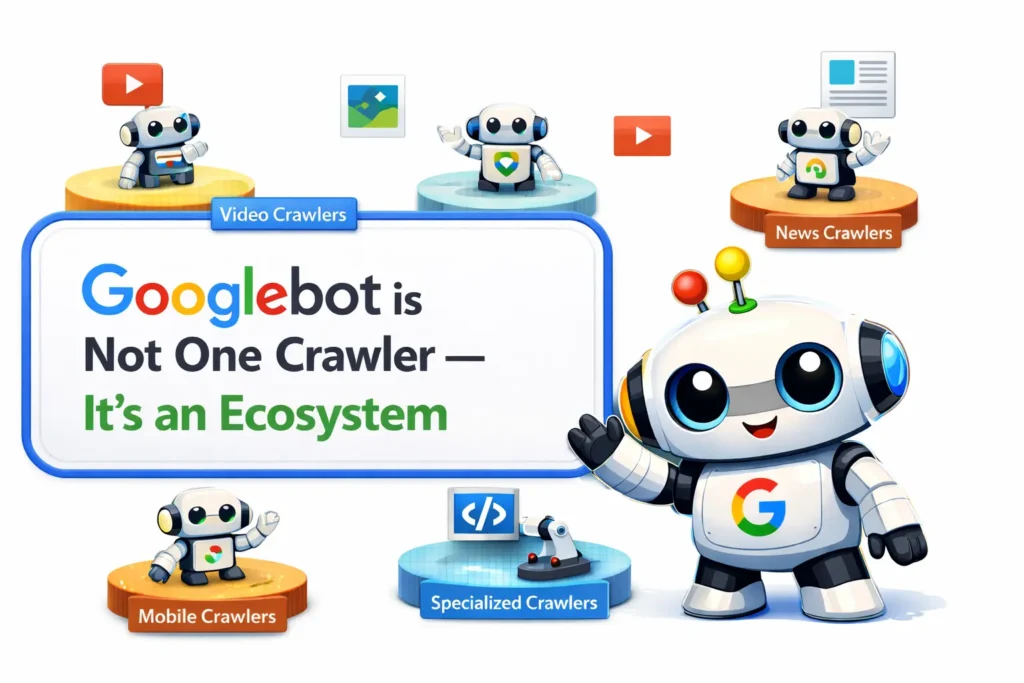
How does Googlebot crawl a website? A group of crawlers
The word "Googlebot" makes you picture a single bot visiting your site. That picture is outdated. Google runs many different crawlers for different purposes, from indexing HTML pages to fetching images and videos.
Each crawler follows its own rules, including its own byte-fetch limits. How does Googlebot crawl a website? Googlebot is not one bot. Google runs many crawlers for different purposes, and they read only up to a set number of bytes from each page, so keep pages lean and put the important content early. (PromotEdge, summing up Google's post covered on this page, 6 November 2026.) Say you block or allow "Googlebot" in your robots.txt (the file that tells bots where they may go). You must know which bots matter for your content. If you do not, you can leave gaps in what gets indexed.
The byte limits Google crawlers work under
Google also shares the size limits Googlebot applies when fetching files:
| Crawler / Content Type | Fetch Limit |
|---|---|
| Standard Googlebot (HTML pages) | 2 MB |
| PDF files | 64 MB |
| Image & video crawlers | Variable, depends on product |
| All other crawlers (default) | 15 MB |
That 2 MB limit for HTML includes the HTTP response headers. So your actual HTML gets slightly less than 2 MB.
NOTE: For most websites the 2 MB limit is not an issue. For large e-commerce pages, JavaScript-heavy single-page apps or pages with huge inline data, it can be.
What happens when your page goes over the limit?
Google does not reject oversized pages outright. The process has a few steps. Knowing them explains why some content gets indexed while other parts do not:
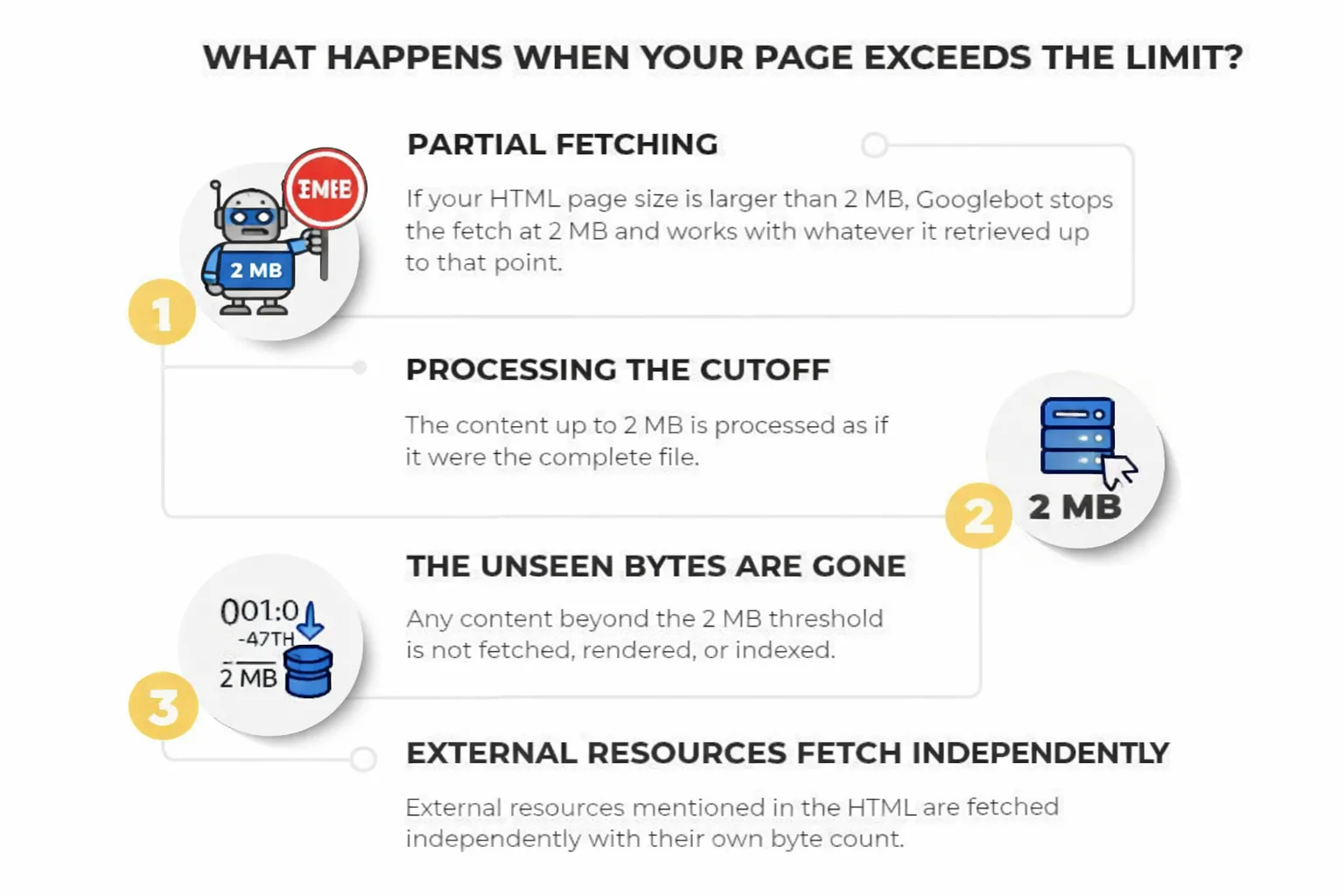
Step 1: Googlebot fetches only part of the page. If your HTML file is larger than 2 MB, Googlebot stops the fetch at the 2 MB cutoff and works with what it has.
Step 2: Google treats the cutoff as the whole file. The downloaded part (bytes 1 up to the 2 MB mark) goes to Google's indexing systems and Web Rendering Service (WRS), and they treat it as if it were the complete file.
Step 3: Anything beyond 2 MB is lost. Content past the threshold is never fetched, rendered or indexed. As far as Google is concerned, it does not exist.
Step 4: External files are counted separately. WRS fetches every resource the HTML refers to, each with its own per-URL byte counter, so these files do not count against the parent page's 2 MB.
How Google's Web Rendering Service (WRS) works
Once Googlebot hands over the fetched bytes, the Web Rendering Service (WRS) takes over. It works like a modern browser: it runs JavaScript, processes CSS and handles XHR requests (data requests a page makes in the background). That helps it understand the final look and text of a page.
GOOGLE’S OFFICIAL EXPLANATION : The WRS processes JavaScript and executes client-side code similar to a modern browser to understand the final visual and textual state of the page. Rendering pulls in and executes JavaScript and CSS files, and processes XHR requests to better understand the page’s textual content and structure.
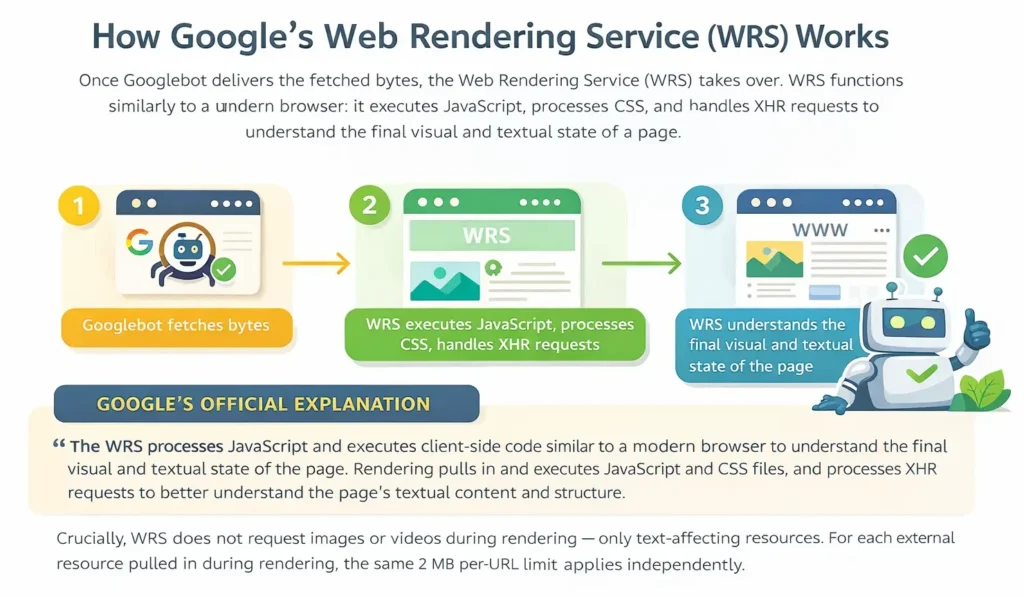
During rendering, WRS does not request images or videos. It asks only for resources that affect text, and for each external resource it pulls in, the same 2 MB per-URL limit applies separately.
Three practices to act on today
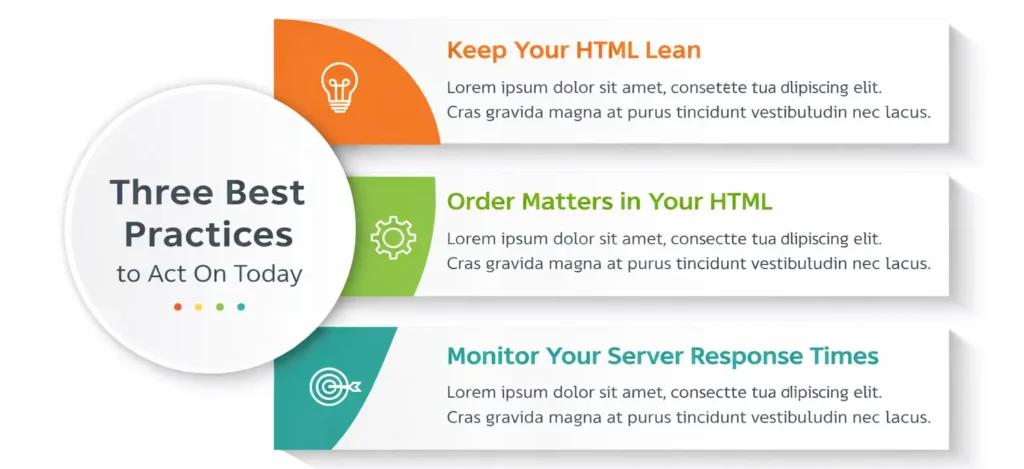
Keep your HTML lean
Move heavy CSS and JavaScript into external files. The main HTML document has the 2 MB cap, but each external stylesheet and script file gets its own separate 2 MB. Why bother? Large blocks of code inside your HTML can push your important metadata past the crawl cutoff.
Order matters in your HTML
Put your most important SEO elements as high in the document as possible. That means <title> tags, meta descriptions, canonical links, Open Graph tags and key structured data. Why high? Elements pushed deep into a large HTML file may sit beyond the 2 MB cutoff and never be seen by Google.
Monitor your server response times
If your server is slow to deliver bytes, Googlebot's fetchers automatically slow their crawl rate. Slower servers mean fewer pages crawled per day. It's worse on large sites. So check your server logs regularly for crawl activity and response time.
What this means for your SEO strategy in 2026
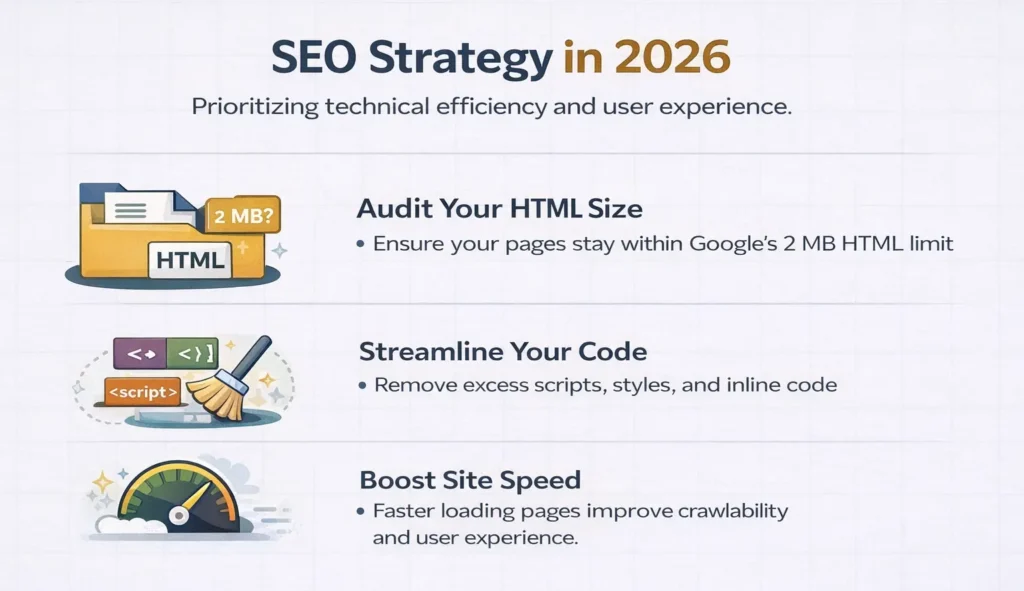
The disclosures from Gary Illyes remind us that technical SEO is not set-and-forget. Google's crawling system is advanced, but it works within real limits such as bandwidth, server load and byte budgets. Sites that get the most complete crawl are the ones that make Googlebot's job easy.
For most well-maintained websites, the 2 MB HTML limit is unlikely to be a problem. An audit is still worth doing for fast-growing e-commerce platforms and news sites with complex templates. It is also worth doing for any site where developers have used the HTML as a dumping ground for inline scripts and styles.
If you want someone to run that audit for you, see our SEO services.
At PromotEdge, we suggest treating the 2 MB limit as a useful push towards leaner, better-structured HTML. Lean HTML also loads faster for your users. Good technical SEO and good user experience point the same way. Simple.